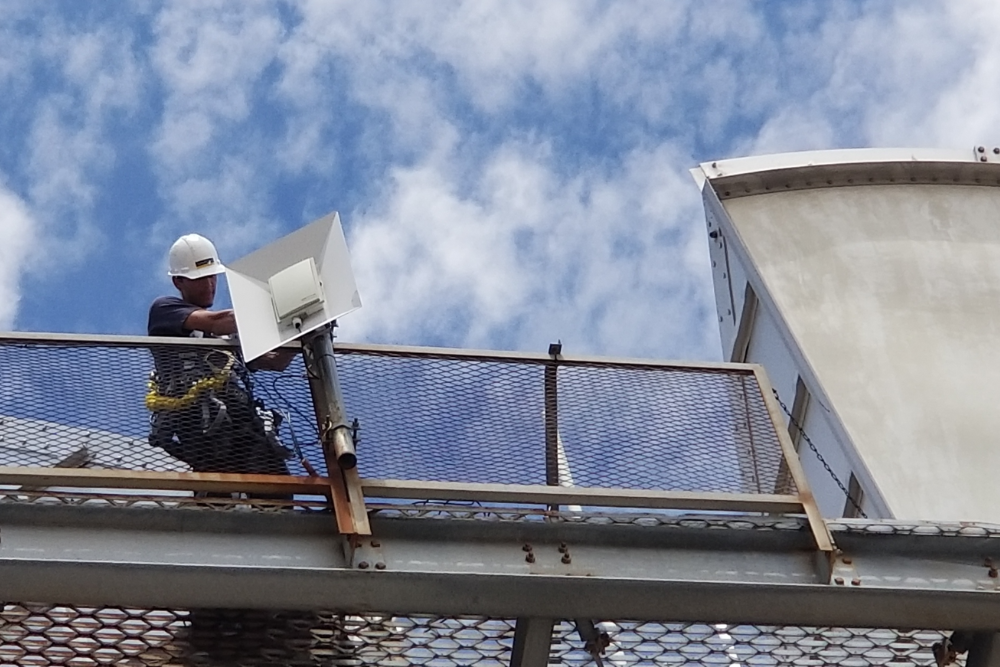
Service built by the engineers, not the sales team. Each of our services are designed and delivered on Quality of Service and backed by the quality of our Customer Service.
Affordable Prices
From residential homes to commercial businesses, we have multiple pricing options to fit your needs.
Reliable Service
Fast and consistent service, whether you are streaming shows, working from home or running a business. You can count on us.
Quality Support
Getting help doesn't have to be painful. we're just a call or email away. Our local teams are here to support you.
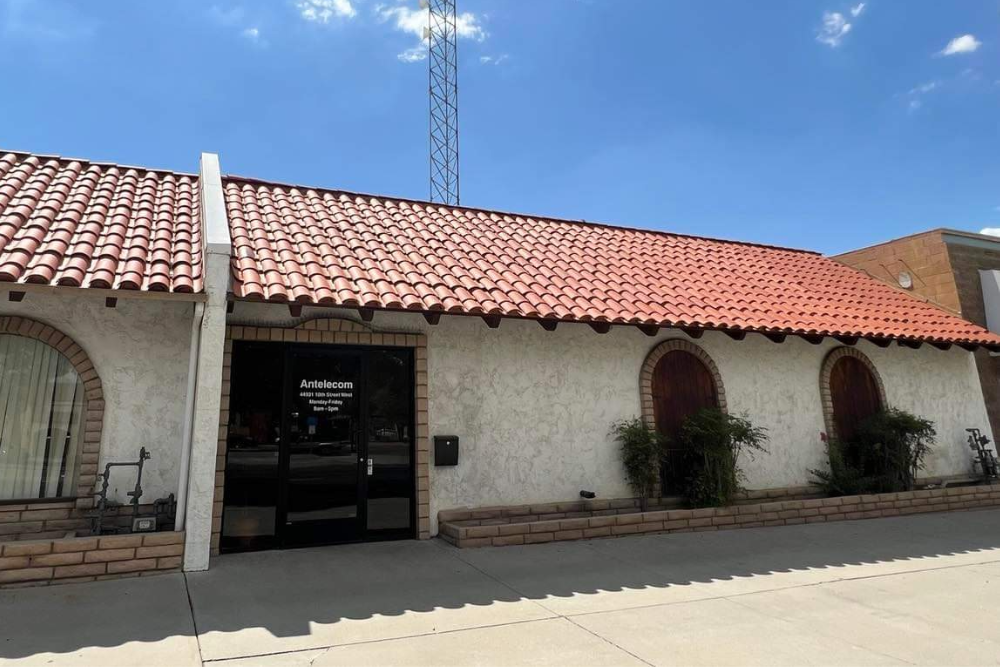
Antelecom has been a staple in the Antelope Valley community for over 20 years! When we started, we took pride in providing service to rural communities where other providers wouldn’t. Throughout the years we've continued to expand our network to provide fast, reliable and quality service for our customers.
Whether it’s business or pleasure you will find the benefits of our high speed internet access to be indispensable. Our offerings are tailored to the needs of our customers. We deliver on our products, customer service and experience.
We want to help you take your connection to the next level, so contact us today to get started.
Stay up to date
Follow us on social media to get the latest information on what we are working on.
Contact Us
Want to know more? We're here to answer your questions. Call or send us a message and one of our sales team members will be in touch as soon as possible.
Antelecom, Inc. , requires all those using its network to comply with this Acceptable Use Policy ("Policy"). Your use of Antelecom.net's network by originating electronic data or signals which contact or are transported by Antelecom.net's network or equipment manifests your agreement to be bound by all of the terms and conditions of this Policy. Your use of our network may be terminated or restricted if in the sole discretion of Antelecom.Net, you violate either the letter or the spirit of this policy, or for any other reason that Antelecom.net, in its sole discretion, deems appropriate cause for termination or restriction. Restriction includes reduction of speeds or protocols if it determined that the user activity interferes with our network or our ability to provide quality service to other users.
Users of our network agree to obey the laws, regulations and ordinances of the United States of America, the State of California and of those political subdivisions from where you use Antelecom.net's services. Those persons or entities using our network shall not knowingly, recklessly or negligently transmit or cause to be transmitted, over or through our network or over or through the Internet, electronic data or signals of any sort including but not limited to, text, graphics, video or sound which maybe perceived as either threatening, malicious, obscene, libelous or which violate trade-secret, patent or copyright and/or trademark protections.
Antelecom.net users should comply with the rules and regulations of all other networks and/or carriers over which, or thought which the user's electronic data or signal is transported. The user should comply with all reasonable policies, rules and regulations, if any, that are imposed by any network accessible through the Internet.
In the event that litigation or the threat of litigation ensues against Antelecom.net, or any of its employees, agents or assigns, which is related to the user's activity on the Internet or Antelecom.net's services, the user agrees that it will hold Antelecom.net, its employees agents and assigns harmless and be liable to Antelecom.net for the full costs of its defense including, but not limited, to Antelecom.net's reasonable attorney fees.
Failure to adhere to the this Policy may be cause for Antelecom.net to immediately and permanently and without notice terminate a user's account, and/or block such user from accessing or contacting any of Antelecom.net's systems or equipment. If a user's account is terminated, Antelecom.net will have no obligation to that user, or any other party, with regard to any data stored on Antelecom.net's network including but limited to, email or web site content which was accessable to the user. In addition, legal action may be initiated by Antelecom.net against the offending user.
Antelecom.net reserves the right to enforce this Policy as it sees fit in its sole discretion. However, Antelecom.net is under no obligation whatsoever to any user or third party to enforce this policy. You agree that in the event that Antelecom.net terminates your account that Antelecom.net is under no obligation to return any funds you may have on account with Antelecom.net, and that such amount on account, if any, may be used to offset the costs of resources consumed by Antelecom.net relating to your violation of this policy or the termination of your account or the restriction of your access. You also agree that should Antelecom.net be required to litigate against you that personal jurisdiction will be proper in any court of competent jurisdiction residing in Los Angeles, Riverside, or San Diego County, California and that venue is likewise proper in such courts. Your use of Antelecom.net's network, directly or indirectly, for any purpose manifests your agreement to be bound by this policy and its terms and conditions.
Email Use Policy
Antelecom.net, an electronic mail service provider strictly prohibits the use of its domain name (ANTELECOM.NET), service and/or equipment for the delivery of unsolicited electronic mail advertisements to its registered users and further prohibits the use of its domain name (ANTELECOM.NET), services and/or equipment to facilitate the delivery of unsolicited electronic mail advertisements to any other electronic mail user.
Unsolicited electronic mail advertisements are defined as: Any electronic mail message which is addressed to a recipient with who the initiator of the electronic mail does not have an existing business or personal relationship and which is not sent at the request of or with the express consent of the recipient. This definition includes, but is not limited to, any mail message for which the initiator does not have a basis to believe that the email address is a valid registered electronic mail address. Violation of this policy will be cause to terminate service to the email initiator and all may result in legal action.
If you feel your mail was unfairly rejected please contact support. They will provide you with an email address to send your mail to for review. If we find that the mail was indeed unfairly rejected we will adjust the filters accordingly.
If you wish to check your Email please log in to SurgeWeb or /WebMail
WebServer Use Policy
"User Home Pages" or "Hosted WebSites" can be as unique as you are. Have fun, and feel free to include whatever you want others to see, as long as it's in good taste. The more your Web pages reflect your business, interests and who you are, the more likely it is that others will enjoy looking at them and sharing them with others.
Remember that millions of people all over the world will be able to see the information you make available. Make sure that you don't include anything that you don't want others to see. Be aware that the following are strictly forbidden:
- Obscene or Sexually Explicit Language and Images: This includes explicit descriptions or depictions of sexual acts.
- Grossly Repugnant Material: This refers to material ti>hat is grossly repugnant to Web community standards, including blatant expressions of bigotry, racism or hate.
- Copyright Infringement: Any text, images or sounds you post must be your own or in the public domain, or you must have the permission of the copyright holder.
- Illegal Material/Threats: Material that is illegal or fraudulent, threats of personal harm to property damage, or incitement to violence, are not permitted.
Should we become aware of such material in a Hosted Web Page, we may refer the matter to law enforcement authorities.
Antelecom.Net Broadband Disclosure
Antelecom.net strives to provide consumers with accessible, easy-to-understand information about the services we provide. Additionally, the Federal Communications Commission ("FCC") requires that We and other providers of broadband Internet access services disclose certain information regarding those Internet services. The information required for disclosure under the FCC's rules are found below.
Network Practices
Antelecom.net does not discriminate against lawful Internet content, applications, services, or non-harmful devices.
Throttling
Antelecom.net does not degrade or impair access to lawful Internet traffic on the basis of content, application, service, user, or use of a non-harmful device. We do engage in reasonable network management practices.
Prioritization
Antelecom.net does not directly or indirectly favor any traffic through the use of techniques such as traffic shaping, prioritization, or resource reservation.
Network Management
Antelecom.net manages its network to deliver the best possible broadband Internet access service to all of its customers. To further this effort, Antelecom.net uses reasonable network management practices that are consistent with industry standards.
Device Attachment
Antelecom.net has no restrictions on devices that have both UL and FCC certification.
Application-Specific Behavior
Antelecom.net provides its broadband Internet access service customers with full access to all the lawful content, services, and applications that the Internet has to offer. We do not block or rate-control specific protocols or protocol ports except to prevent spam, malicious attacks, and identity theft.
Security
Antelecom.net employs a number of practices to help prevent unwanted communications, such as spam, and to protect the security of our customers and network. We limit the number of Login, SMTP, and DNS transactions per second in order to protect them from Denial of Service (DoS) attacks.
Service Description
Antelecom.net provides Wireless Internet Services using both digital QAM and Internet Protocol ("IP") technologies.
Commercial Terms
Antelecom.net's Internet access services may be subject to promotional rates. Additional fees, such as for installation, and early termination, may apply. Standard services begin at $53.95/month.
Data Usage
Antelecom.net provides an unlimitted service, without data caps, on a Best Effort basis.
Privacy Policies
Antelecom.net does not sell customer information of any kind.
Redress
For questions or resolving of complaints please see "Contact US" from the main page.
Copyright Infringment Policy
Under the DMCA, copyright owners have the right to notify Antelecom’s register agent if they believe that an Antelecom customer has infringed on their work(s). When Antelecom receives a complaint notice from a copyright owner, Antelecom will notify the identifiable customer of the alleged infringement by providing them a copy of the submitted DMCA notice. As required by law, Antelecom may determine that the customer is a repeat copyright infringer and reserves the right to suspend or terminate the accounts of repeat copyright infringers.
It is possible that the activity can occur without a customers permission or knowledge by an unauthorized user, a minor who may not fully understand the copyright laws, or even as a result of a computer virus. However, as a named subscriber on your Antelecom account, you may be held responsible for any misuse of your account. Please be aware that using Antelecom’s service to engage in any form of copyright infringement is expressly prohibited by Antelecom's Acceptable Use Policy and that repeat copyright infringement, or violations of any other Antelecom policy, may result in the suspension or termination of your service.
You may view Antelecom’s Acceptable Use Policy, under the Acceptable Use section of our website at www.antelecom.net.
Help & FAQ
We strives to provide the best possible customer service, so we've gathered answers to some of our most frequently asked questions (FAQ) to help you get answers and keep moving. We've also included quicklinks to our portal for tickets, email and domain management.
Contact us via the contact us form or send an email to sales@antelecom.net. Don't forget to check your details. If you make a mistake we might not be able to contact you!
Once we've answered your initial questions. Our sales engineers will confirm service availability and arrange a site survey if necessary.
Once you're ready our technician will get you connected.
Yes, we have a referral program where both you and the new customer you referred receives a $50 credit. Please be sure they mention your name at the time of inquiry or installation.
Any current consumer-grade router is compatible with our service. It is recommended that you purchase a mid-range router as this will give you a good price/performance ratio. Below are a few models that we have found to work well:
The most common reason is that there is no internet access, or the settings are incorrect. The first step is to check and see if you can bring up other internet content. If you can, it may be best to give us a call so that we can help you check your settings. Other causes could be: A full mailbox, black list rejection, or another issue that will need to be diagnosed.